How to Run a Pickleball Open Play Night (Without the Paddle Stack)
A complete playbook for running pickleball open play — from setup to rotations to leaderboards. Built from real sessions with 4-30 players.
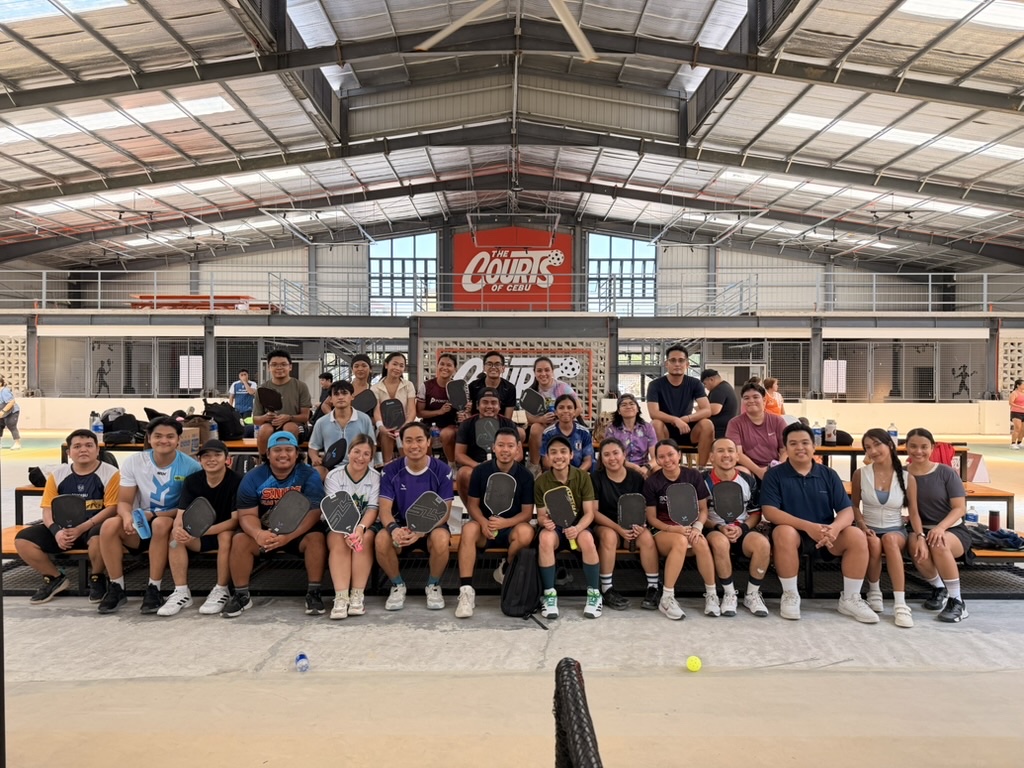
Open play is the heart of pickleball. It’s where new players learn, where regulars get better, and where the social fabric of a club gets built. It’s also one of the hardest things to run well — get the rotation wrong and your strongest player hogs the court for an hour, your weakest player sits on the bench for half the night, and you spend more time arguing about who’s next than actually playing.
This is the playbook for running open play that doesn’t break.
The paddle-stack problem
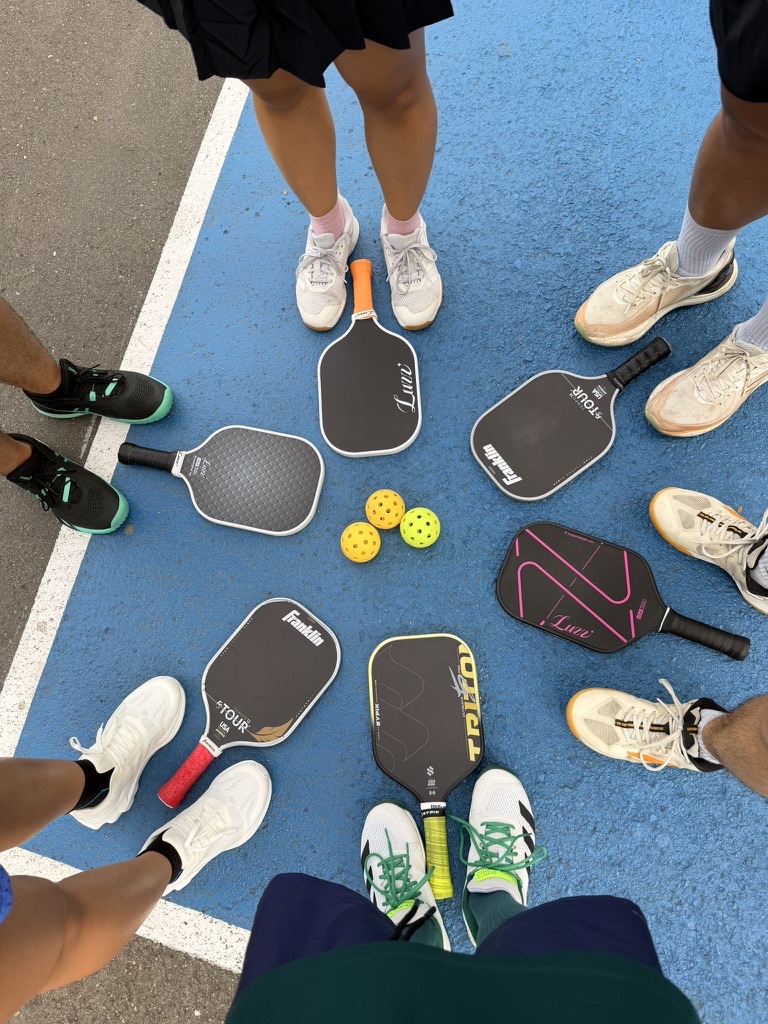
The old way: everyone stacks their paddle on a rack. When a court opens up, the next 4 paddles play. Sounds simple. In practice:
- People sneak their paddles to the front.
- The strongest team wins repeatedly and dominates a court.
- Late arrivals get pushed to the bottom of the stack.
- Beginners get demolished when a 4.5 grabs the next-up slot.
- Nobody can answer “when am I up?” without going to look at the rack.
The paddle stack is a 1990s solution for a 2025 problem. There’s a better way.
A modern open-play playbook
1. Set expectations at the door
Before the first match, tell everyone:
- What format you’re running (casual rotation, skill-based, round robin, etc.).
- How long the session lasts and whether there’s a hard end time.
- What “scoring to 11” means for your group (rally scoring? Win by 2? Capped at 15?).
- Who’s running it (you, the organizer) — so questions go to one place.
This 30-second briefing kills half the night’s arguments.
2. Bucket players by skill
The single biggest source of unfun pickleball nights is skill mismatch. A 3.0 has no business playing a 4.5 in a 1v1 rotation — the scores will be 11-2, nobody learns, nobody has fun.
Two ways to fix this:
- Self-rate. Ask each player as they arrive: Beginner / Intermediate / Advanced. Tag them in the app or on a notepad.
- DUPR rating. If your players have DUPR scores, use those.
Then run Skill Split mode (or a manual equivalent): keep Beginner matches in one court, Intermediate in another, Advanced in another. Don’t cross-pollinate.
3. Pick a matching format and stick to it for the session
The four formats every open-play organizer should know:
| Format | What it does | Best for |
|---|---|---|
| Smart rotation (bracket-based) | Winners play winners, losers play losers, fresh first | 70% of sessions |
| Round Robin | Fixed partners, every team plays every other team | Tournament prep, stable rosters |
| King of the Court (Challenger’s Court) | Winners stay, losers rotate | Single-court drama, ladder events |
| FCFO (queue order) | Top of queue plays next, no bracket math | Disputed sessions, max transparency |
Picklr supports all four (and a few others). Pick one at the start of the session and don’t switch mid-stream — players hate format changes when they’re already mentally tracking their rotation.
4. Run one queue, not a paddle stack
A single queue — digital or physical — beats a paddle stack every time. Players join the back, get matched off the top, and there’s a clear “you’re up next” signal that doesn’t depend on watching a physical pile.
Digital queue benefits:
- Players can see their position from their phone (via Live View in Picklr).
- The organizer can hand off control if they need to play a match.
- The queue survives someone bumping the paddle rack.
5. Communicate winners and rotations clearly
When a match ends:
- Score gets recorded (Pick Winner in Picklr, or a notepad).
- Winners and losers go back to the queue in whatever order the format dictates.
- The next 4 players are called to the court by name, loudly.
If you have 20+ players, calling names across the venue doesn’t scale. This is where Live View earns its keep — players watch the queue on their phone and walk to the court when they see themselves on deck.
6. Track wait times so nobody sits forever
The hard rule every good open-play organizer enforces: nobody waits more than 20 minutes. If you see someone stuck in the queue past 15 minutes, intervene — pull them into the next match even if the bracket logic says someone else is up.
Picklr automates this with a wait-time cap: if any player has been waiting 20+ minutes, the next match auto-includes the longest-waiting players regardless of bracket. Hard guarantee, no babysitting.
7. End with a leaderboard moment
Before everyone leaves, screenshot the leaderboard and share it in the group chat. Two reasons:
- Bragging rights are why people come back next week.
- Social proof is your cheapest marketing — when the leaderboard image makes it to Instagram, your club grows.
Picklr generates a shareable PNG of the podium with one tap. Save to Photos, post to Stories, done.
The pre-flight checklist
Before your next session, make sure you have:
- A way to manage the queue (app or notepad — app strongly preferred)
- A way to record match results (so you have a leaderboard at the end)
- Skill levels noted for each player (so you can bucket them)
- Hard end time announced
- One person in charge (you)
If you have those five things, your session will run smoothly regardless of which format you pick.
How Picklr fits in
Picklr is the app I built specifically because the paddle stack was driving me crazy. It runs the queue, picks matchups (Smart Auto / Skill Split / Round Robin / Challenger’s Court / FCFO / Mixed Doubles), tracks scores, builds the leaderboard, and gives players a Live View link so they can follow along on their phones.
It’s free for organizers and works in any browser. If you’ve been running open play with a whiteboard and a paddle rack, give it a try — your players will notice the difference within the first hour.
More from the blog
How a Bacong Fiesta Turned Me Into a Pickleball Player (and Why I Built Picklr)
I declined every pickleball invite from my Cebu friends — until a fiesta in Bacong, a birthday at the Pikol Pol courts, and 8 hours of laughter changed my mind. The story of my first pickleball game, my first paddle, and the app that came after.
Why Your Pickleball Open Play Is Unfair (And How to Fix It)
The five reasons pickleball open-play sessions feel unfair — paddle stacking, bracket starvation, mid-tier mismatch, wait-time creep, and dominant pairs — and what to do about each.
Best Pickleball Matchmaking App for Open Play (2026 Guide)
What to look for in a pickleball matchmaking app — and how Picklr compares to the rest. Built for organizers running 2-30 player open-play sessions.