Now live on iOS & Android

Pickleball session software

Every match.
Every score.
Every rivalry.

Picklr turns your pickleball session into a live, ranked, shareable game — without the paddle-stacking.

5.0 on the App Store · 4 reviews Free for early users — full Pro access Works offline at the court
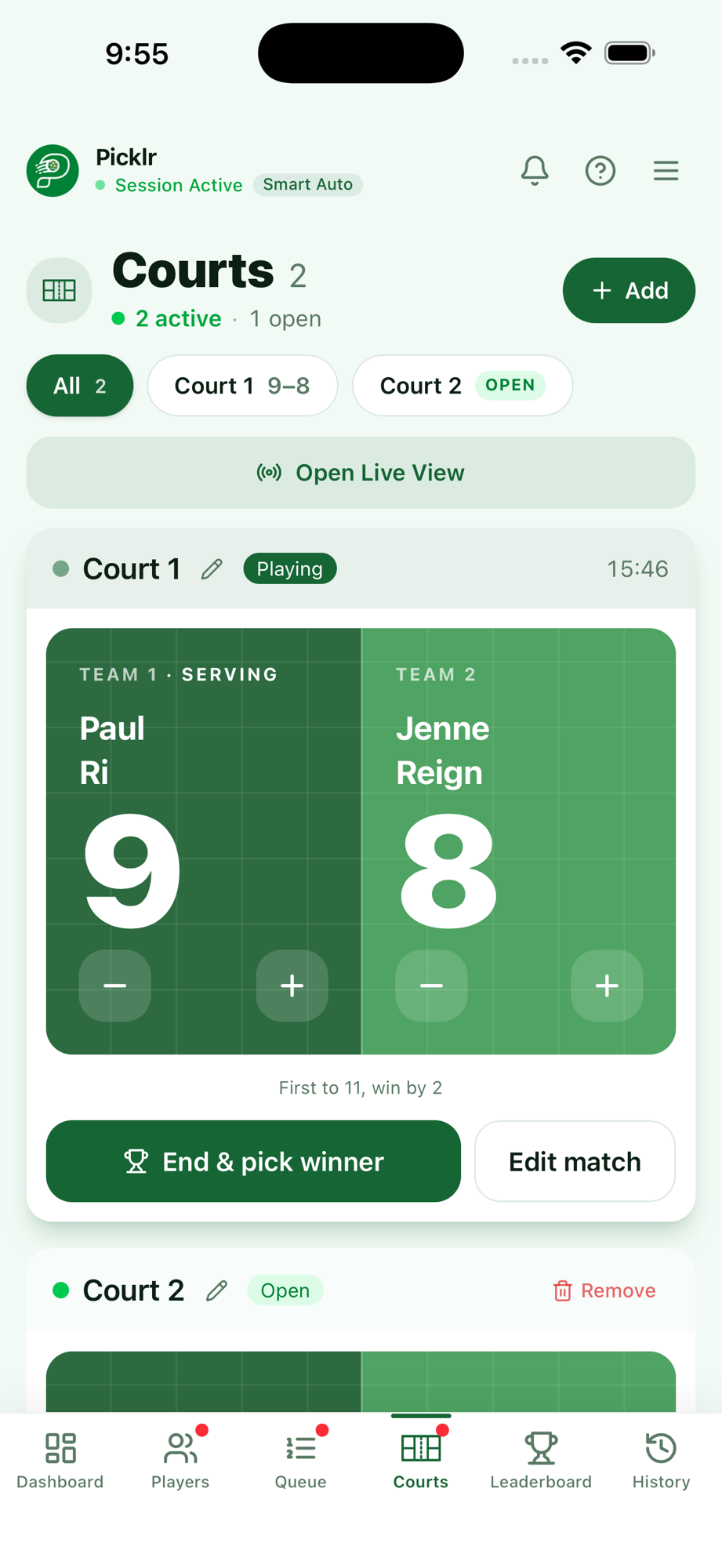
Picklr live courts view with scores
live sessions right now
registered organizers
2 min
to set up a session
Free
to get started

The paddle-stack problem

If you've ever run open play, you've probably hit this.

Paddle-stack chaos

"Whose turn is it?" twice every rotation. Someone always sits out, someone always plays back-to-back.

Mismatched teams

Beginners get demolished by 4.0s. The strongest player gets stuck with the weakest three games in a row.

Lost scores

Half the matches end with "wait, what was the score?" The whiteboard gets wiped before anyone snapshots it.

Picklr handles all three so you can put the whiteboard away and actually play.

Everything your session needs

No paddle stacking confusion. No arguments. Just games.

Smart Auto matching

Skill-aware pairings in one tap. No more "who plays next?" debates.

Live leaderboards

Win rates, streaks, and a podium your players will screenshot. Session and all-time stats.

Share live — no login

One QR code. Anyone at the court can follow the queue, scores, and standings on their phone.

Matching modes

Smart Auto, Mixed Doubles, Skill Split, or First Come First Out. Pick the vibe for your session.

Score & stats tracking

Record every match. Session history is saved so you can review past performance any time.

Venue locations

Tag your session to a venue with Google Maps. Saved sessions include location for easy reference.

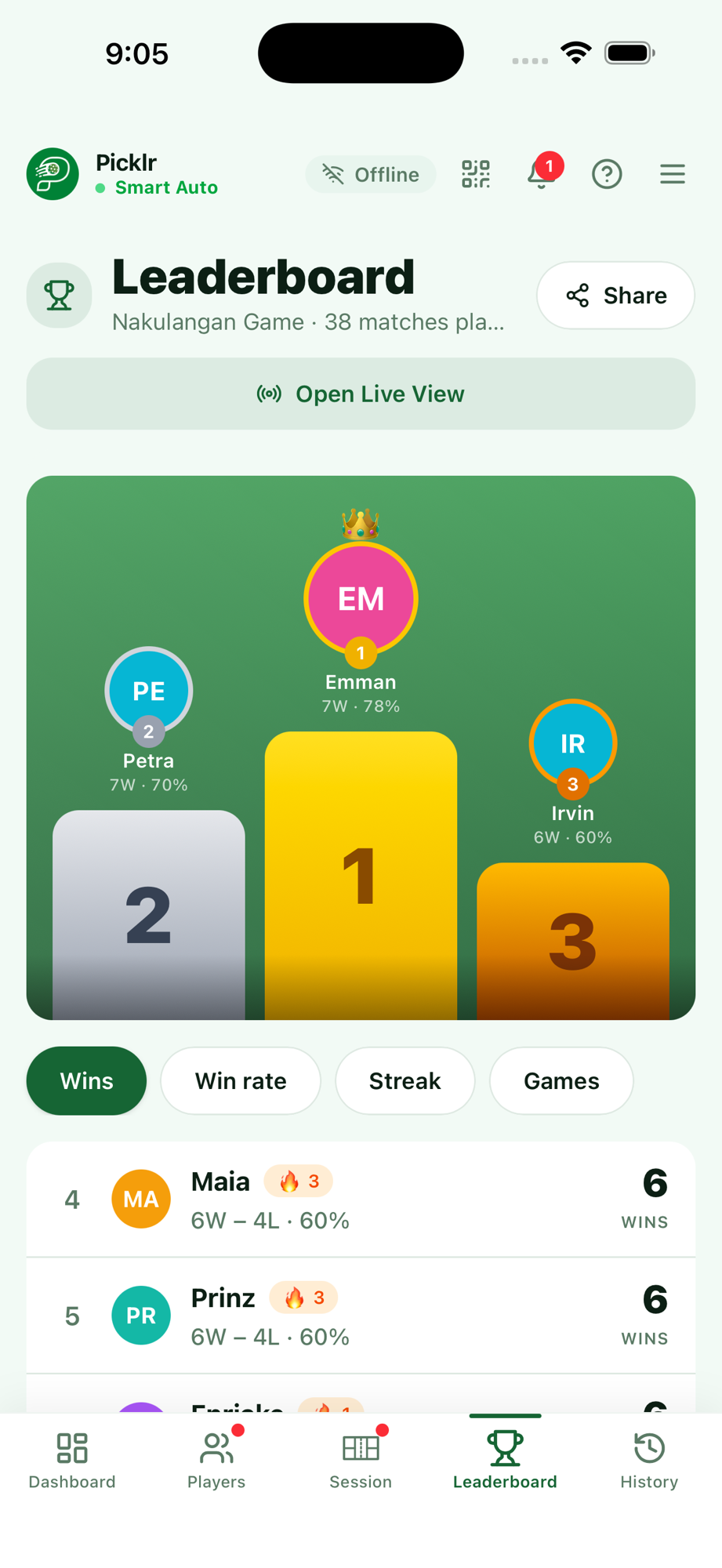
Picklr leaderboard with podium and rankings
🏆 Rankings that matter

Saturday just got
competitive.

Live podiums, win streaks, and shareable stats cards. Your players will start checking the leaderboard between games.

  • Session-level and all-time rankings
  • Win streak badges (🔥) for hot hands
  • Tap any player for a shareable stats card

Three steps to a better session

No setup. No spreadsheets. No hassle.

1

Pick your format

Smart Auto, Round Robin, Challenger’s Court, Skill Split, Mixed Doubles. The matchmaker decides who plays next.

2

Add your players

Names, skill levels, partner locks. Done in under a minute.

3

Share the night

Spectators follow along via QR code. Sessions end with a shareable leaderboard. Saturday gets competitive.

From real sessions

5.0 on the App Store.

Word of mouth from open-play hosts who stopped paddle-stacking.

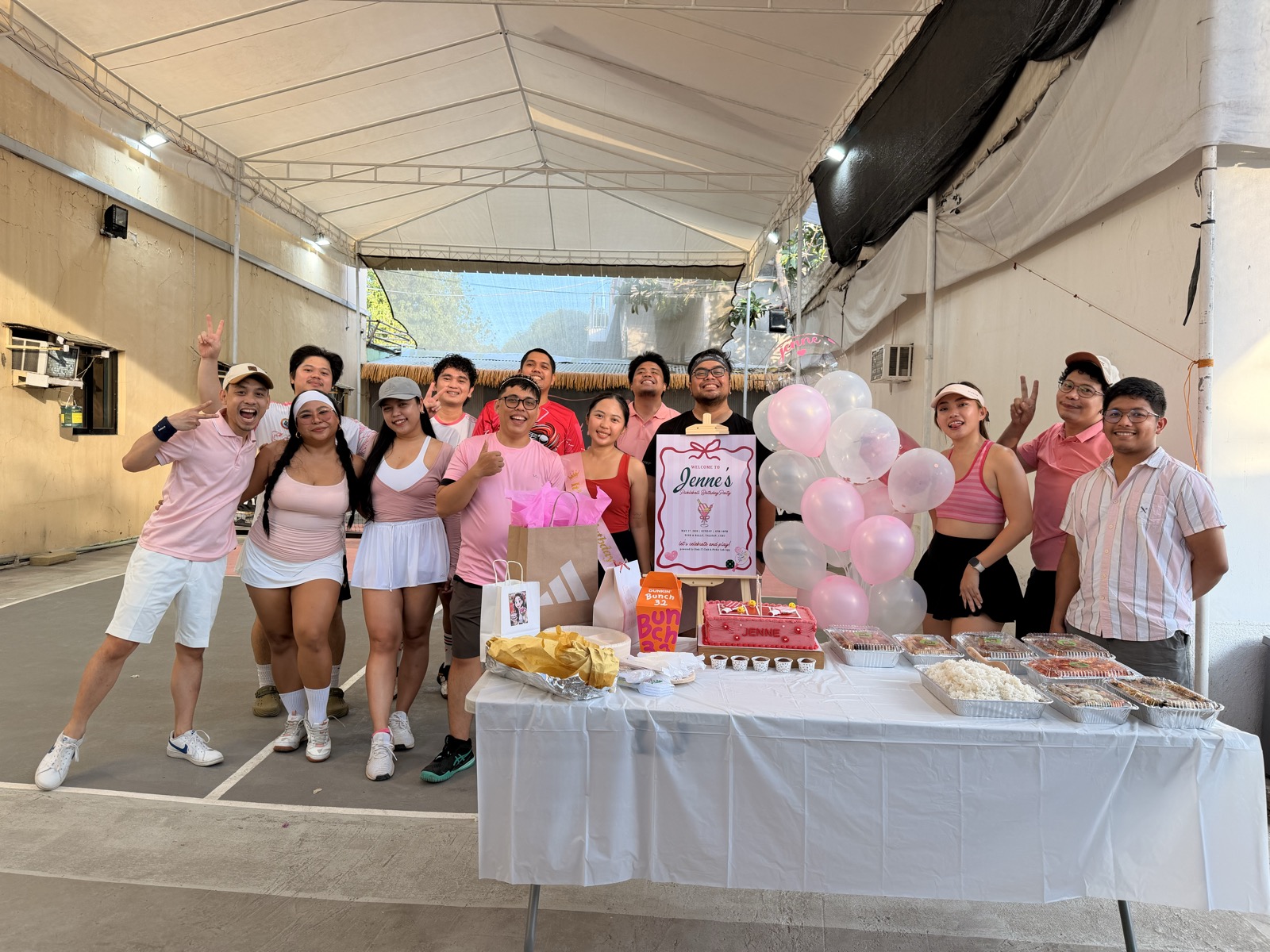
Welcome to Jenne's Pickleball Birthday Party — powered by Dink IT Club & Picklr Lab App

Featured on event signage

"Powered by Picklr Lab App"

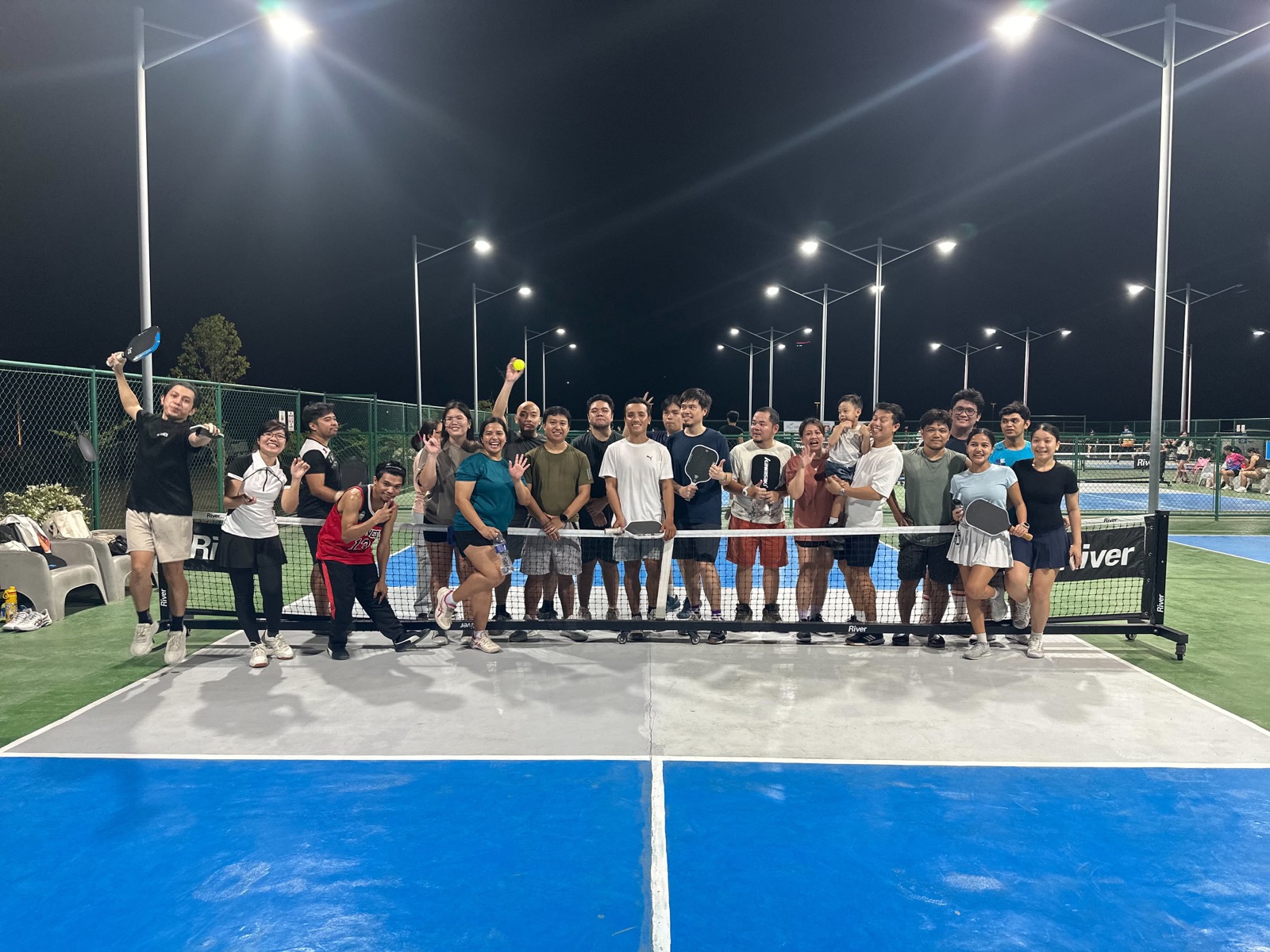
Printed on the welcome sign at Jenne's Pickleball Birthday Party — a Sunday mixer at Dink & Rally, Talisay, Cebu. When the organizer prints your name on the poster, that's the kind of proof you can't fake.

May 17, 2026 · Dink IT Club & Picklr Lab App
"We just used your app and everything went smooth. We used the smart auto setting, leveling and bracketing were smooth. Thank you for your app 🫶"
OP
Open Play Host
3 courts · 26 players · 3 hours
"This app is extremely useful, especially for groups with a large number of players, as it efficiently and fairly manages player rotations and queueing. It is also very user-friendly, with easy navigation and a clean, visually good front-end that makes the overall experience enjoyable."
TI
Tinkapika
App Store review · 14 May
"Almost complete for a free app for pickleball openplays and tournaments. Very easy to use and the developer responds to user suggestions."
JD
Jom Dumpit
Facebook recommendation

Real sessions

Nights run on Picklr.

Real open-play groups using Picklr to manage queues, leaderboards, and live scores.

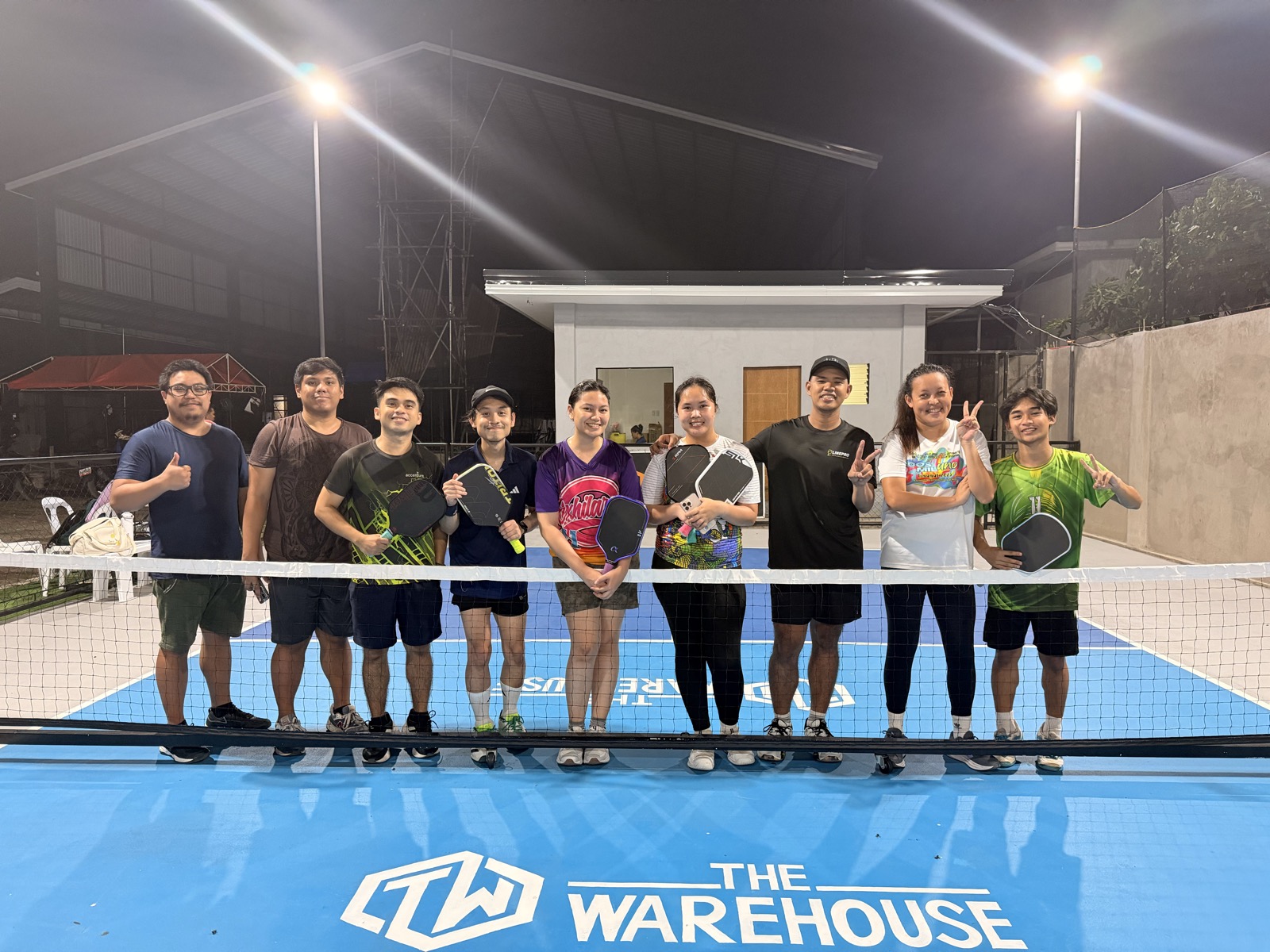
Open play at The Warehouse pickleball court
The Warehouse
Open play · outdoor night court
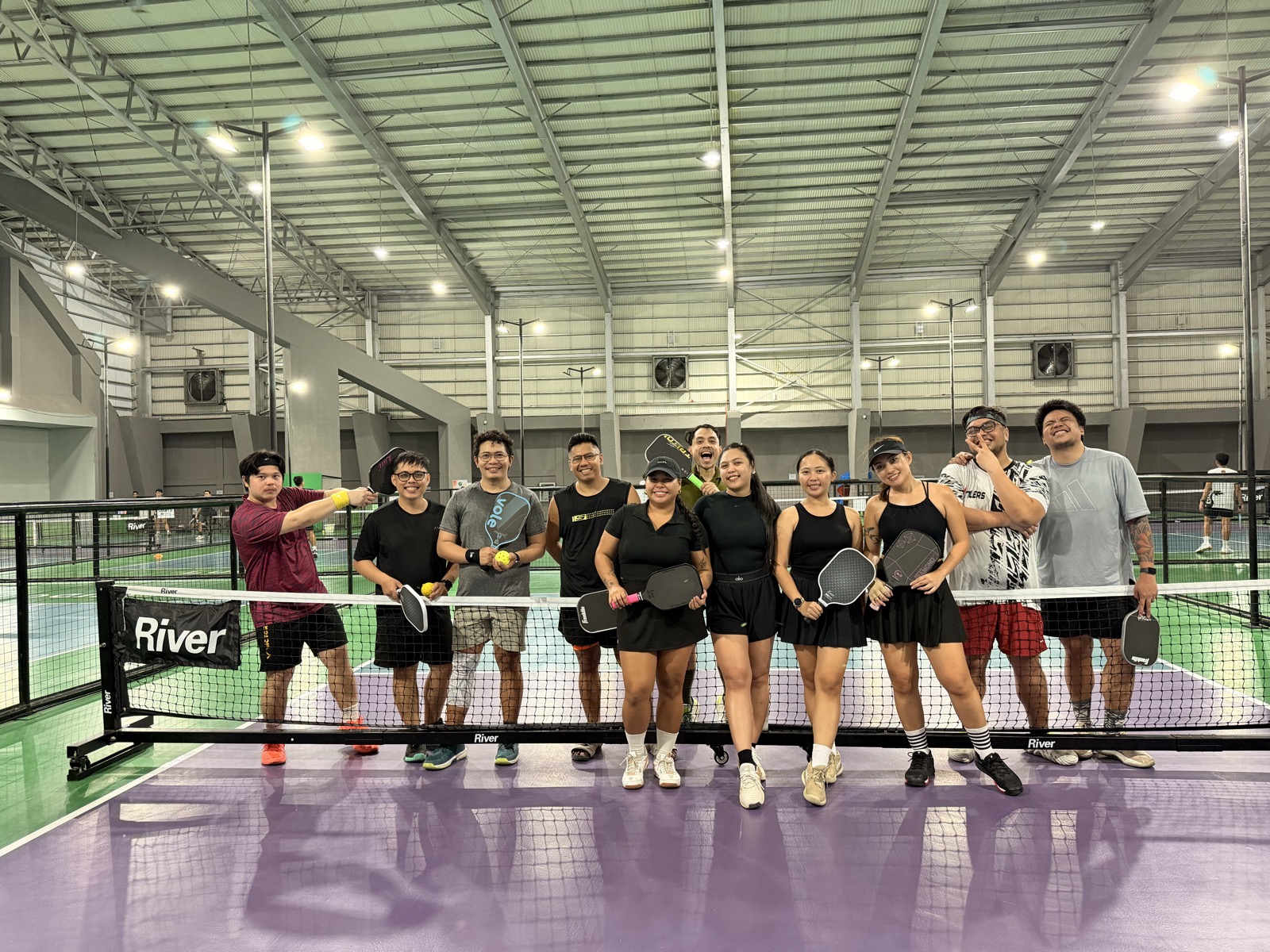
Dink IT Club session at Net and Paddle
Net and Paddle
Dink IT Session · indoor
Jenne's pickleball birthday party powered by Picklr Lab App
Jenne's Pickleball Birthday
Mixer & event · 14 players
Open play at Pino Pickleball
Pino Pickleball
Open play · evening session

Running a session worth featuring? Tag @picklrlab on Facebook.

Frequently asked

Questions before you start

Do players need to download anything?
No. The organizer runs the app on one device — the rest of the players can follow the queue, scores, and standings by scanning a QR code that opens a read-only Live View on any browser.
Is it free?
Yes. Every feature you see today is free, and Pro is enabled for all early users. If we ship a paid tier later, anyone using Picklr in this period gets grandfathered in.
Does it work offline?
Yes — court Wi-Fi is unreliable and the app expects that. Sessions, queues, and scores save locally and sync back to the cloud whenever you reconnect.
Can players join or leave mid-session?
Yes. Add players at any point, check them in / out, send them to the bench, or end-session them. The queue and rotation re-flow automatically.
How many courts can I run?
No hard limit. The on-deck preview shows one card per court so you can pre-arrange upcoming matches when you have 2, 3, 5, or more.
Singles or doubles?
Both. Pick the format when you start the session — the matchmaker switches modes and pairs accordingly.
What platforms is it on?
iOS via the App Store, Android via Google Play, and a web app at app.picklr.app you can use on any phone or laptop.

Ready to retire the paddle stacker?

Start your first session. No setup, no card, no cost.

Now on the App Store & Google Play

Now on the App Store & Google Play · or use the web app today