Matching mode
Skill-Based Pickleball Matchmaking (Skill Split)
Bucket players by skill — Beginner, Intermediate, Advanced — and run a fair queue inside each tier. Picklr's Skill Split keeps beginners off the court with 4.5s.
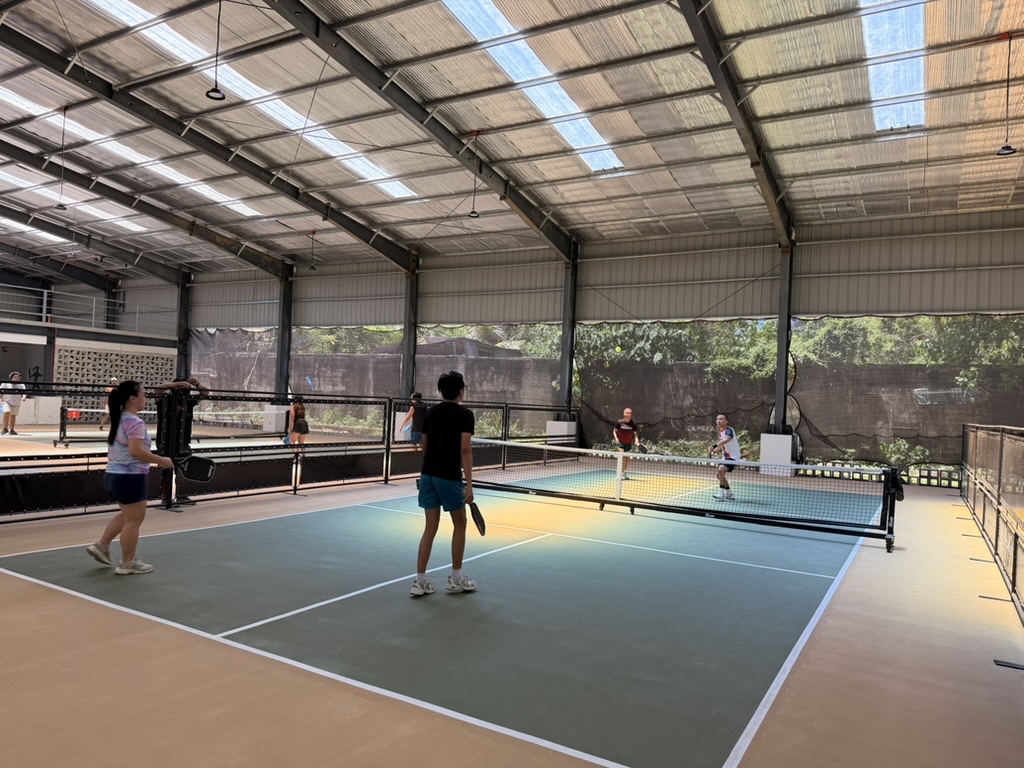
The fastest way to ruin a pickleball open-play night: pair a 3.0 against a 4.5 and let them play to 11. The score will be 11-2, the 3.0 will leave early, and the 4.5 won’t have had a real game either. Skill Split is the matching mode that prevents this.
What Skill Split does
Picklr splits your queue into three buckets — Beginner, Intermediate, Advanced — based on each player’s skill level (set when you add them). Each bucket runs the full Smart Auto pipeline independently: fresh-player priority, winners/losers brackets, wait-time cap, the works. The on-deck card shows one suggestion per skill tier.
The rotation alternates between buckets so no skill level monopolizes the courts. With 3 buckets and 3 courts you get one match per tier at a time. With 4+ courts the extras chain through the rotation so every court has its own preview.
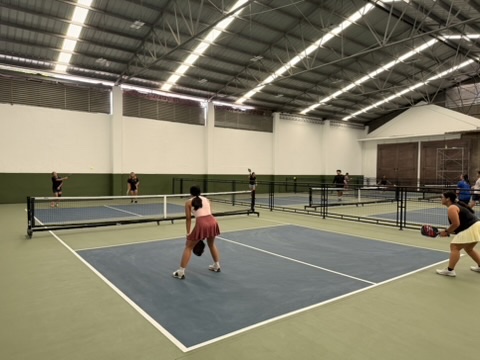
How it differs from a “ratings only” filter
Lots of pickleball apps let you “filter” players by DUPR or skill, but they still let any combination play together. Skill Split is stricter: a Beginner physically cannot end up on the same court as a 4.5 while this mode is active. The matchmaker won’t suggest it; the queue keeps them apart.
This is the right tradeoff when:
- Your roster has a wide skill spread (3.0 to 4.5 in the same room).
- You’re running a beginner-friendly night where new players need to play other beginners.
- You’re hosting a clinic and want skill cohorts to stay in their own tiers.
- You want clear “Beginner court”, “Intermediate court”, “Advanced court” labels for the night.
What happens with locked partners across skills
If you set fixed partners (Beg + Int) while Skill Split is active, they won’t play together while this mode is on — the bucket rule wins. The partner lock is preserved, so when you switch back to Smart Auto or Round Robin, they’ll play together again.
This is intentional — Skill Split’s whole point is that skill mismatches don’t happen.
Multi-court Skill Split
With 3 courts and 3 tiers, the on-deck section shows three cards (one per tier). With 4+ courts, the rotation picks up extra slots in tier order so every court has a preview. If a bucket runs out of players (say, only 3 Advanced players show up), that slot renders as a dashed placeholder reading “Court 4 · Advanced — Need 4 Advanced players to fill this slot”.
Where Skill Split breaks down
- Roster too small. With <4 in any tier, that bucket can’t form a match. The placeholder card tells you what’s missing.
- You don’t track skill levels. Without Beg/Int/Adv set on each player, the matchmaker can’t bucket anyone. Set skill levels in the Players tab first.
- You’d rather mix. Some clubs intentionally mix skills so beginners learn faster. That’s Smart Auto’s mode.
DUPR integration
If you tag players with DUPR ratings (3.0, 3.5, 4.0), Picklr’s auto-balancing inside each bucket factors that in when picking teams. The bucket border (Beg/Int/Adv) is the hard line; DUPR is the soft tiebreaker that picks the most balanced 2v2 inside the bucket.
Try it
Open Picklr → Start Session → Skill Split tile (look for the bar-chart icon). Make sure each player has a skill level set before starting — Picklr can’t bucket what isn’t labelled.
Related features
Matching mode
Smart Auto Matching for Pickleball Open Play
The default Picklr mode. Fresh players first, then winners ↔ losers brackets, with a hard 20-minute wait cap so no one sits forever.
Matching mode
Round Robin Pickleball Tournament App
Fixed partners + every team plays every other team. The classic round-robin format, automated.
Matching mode
Challenger's Court (King of the Court) for Pickleball
Winners stay on court; losers rotate to the back of the queue. Picklr handles the throne automatically.