Spectator tools
Live View — Share Pickleball Scores in Real Time
A read-only QR-coded link that lets every player follow the pickleball session live — queue position, scores, leaderboard — without installing anything.
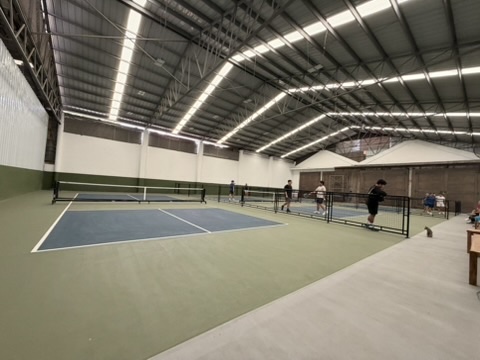
The most-requested feature from pickleball organizers using a queue app: how do players know it’s their turn? Yelling across the court doesn’t scale, a paddle stack defeats the purpose of an app, and group chats are noisy.
Live View is the answer: a shareable, read-only web page that mirrors the organizer’s session in real time. Players scan a QR code, the URL opens in their phone browser, and they see the queue, the courts in progress, current scores, and the leaderboard — updating live.
How Live View works
- Start a session in Picklr as the organizer.
- Tap Live View from the Dashboard, Courts, or Leaderboard tab. A modal appears with a QR code and the shareable URL (e.g.
live.picklr.app/abc123). - Show the QR to your group or send the link in your group chat.
- Anyone with the link sees the live session in their browser. No app install, no login, no account.
- The page updates in real time as you start matches, enter scores, and pick winners. Players watching can refresh anytime; the back-end pushes updates every few seconds.
The Live View is read-only — spectators can’t change anything. They can only see the organizer’s current state, which is exactly what they need.
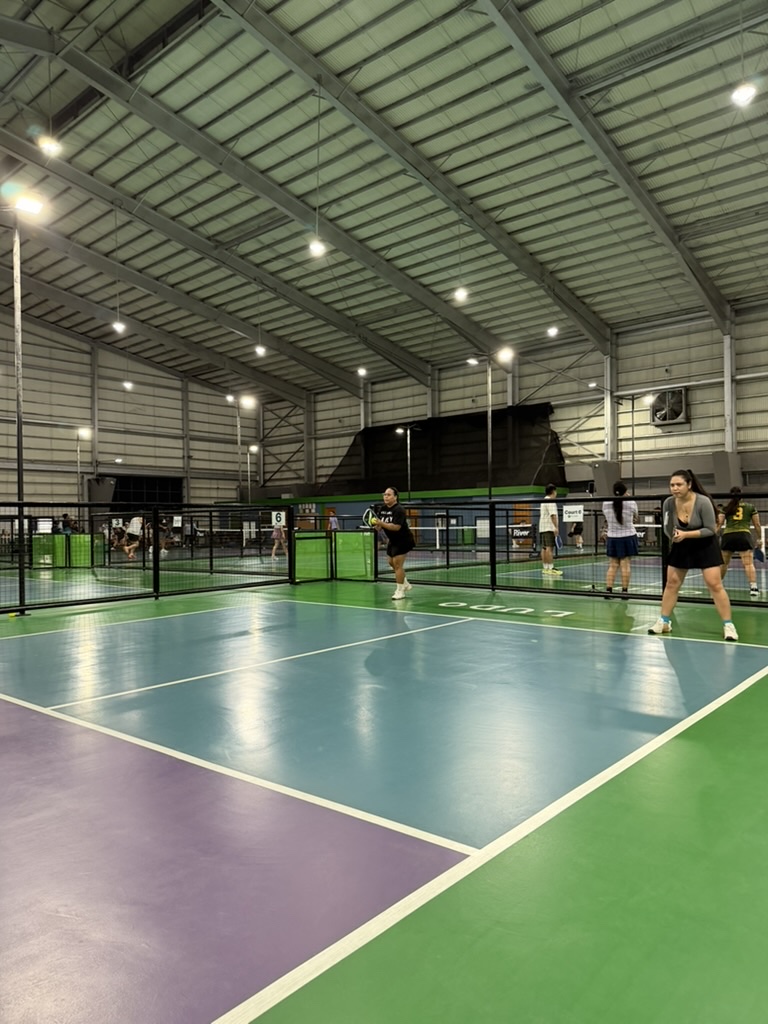
What’s on the Live View
- Live Scores per Court. Each active match shows team names, current score, and elapsed time.
- Up Next Queue. The on-deck players for the next match, with their names and wait time.
- Full Queue Order. The complete waiting list — players can scroll to find their name.
- Leaderboard. Live win/loss tallies and the podium top 3.
- Session Info. Venue, start time, matching mode (Smart Auto / Round Robin / etc.).
When Live View saves your night
- Big sessions (20+ players). Players can’t track 20 names in their head. Showing them their own queue position is huge.
- Multiple courts. A 3-court night has dozens of micro-events the organizer can’t broadcast verbally. Live View handles it.
- Spectators at the venue. Friends, partners, kids watching from the bench can follow along.
- Remote viewers. Someone running late wants to see if their game is up next.
What about privacy?
Each Live View URL is session-specific — it only shows the current active session and goes blank/ended when you tap End Session. You can regenerate the link if you want a new one. We don’t expose player emails, phone numbers, or anything beyond the names you typed into Picklr.
Where to find Live View
In Picklr the Live View button appears on:
- Dashboard tab — “Open Live View” pill below the stat cards
- Courts tab — full-width pill below the courts header
- Leaderboard tab — same pill below the title
Tap any of them and the modal opens with the QR code and link.
Try it
Start a session in Picklr, tap Open Live View from the Dashboard, and share the QR code with your group. The first time a player follows along on their phone, the question “when am I up?” disappears from your night.
Related features
Stats & sharing
Pickleball Leaderboard — Win Rates, Streaks, Shareable Podium
Live leaderboard with wins, win rate, streak chips, and a shareable podium screenshot.
Matching mode
Smart Auto Matching for Pickleball Open Play
The default Picklr mode. Fresh players first, then winners ↔ losers brackets, with a hard 20-minute wait cap so no one sits forever.