Best Pickleball Matchmaking App for Open Play (2026 Guide)
What to look for in a pickleball matchmaking app — and how Picklr compares to the rest. Built for organizers running 2-30 player open-play sessions.
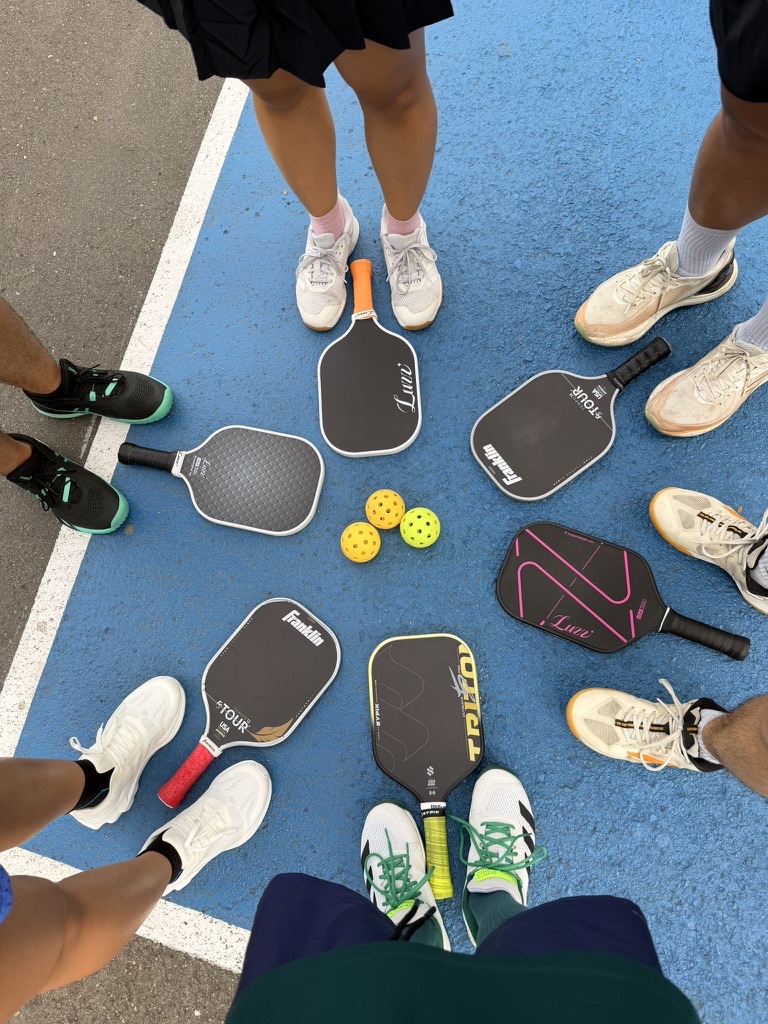
There are about a dozen pickleball apps in the App Store claiming to “match players” or “run open play”. Most of them solve a different problem. This is a quick guide to figuring out which one you actually need, what to look for, and where Picklr fits in.
The three kinds of “pickleball app”
Before comparing features, it helps to understand what categories exist. Not all pickleball apps do the same thing.
1. Player finder apps. Tinder-style swiping to find pickleball partners near you. Examples: Match Pickle, Pickleheads (partly), local Meetup-style apps. Use case: solo player looking for a regular partner.
2. Court booking apps. Reserve a court at a venue, pay, show up. Examples: Court Reserve, Raqt. Use case: venue / facility management.
3. Session-management apps. The organizer runs an open-play night for 8-30 players, manages the queue, picks matchups, tracks scores. This is what Picklr does. Use case: club organizers, open-play hosts.
These three categories rarely overlap well. An app built for solo player matching won’t help you run a 30-player Saturday session. An app built for court bookings won’t track who plays who. Decide which category you actually need before picking an app.
What to look for in a session-management app
If you’re running open play, here are the features that actually matter day-to-day:
1. A working queue
Sounds basic, but most apps fail here. You want:
- One source of truth for queue order (not “the paddle stack plus 3 people’s memories”).
- Wait-time tracking so you can see who’s been waiting longest.
- Easy add/remove for late arrivals and early leavers.
- Visible to players, not just the organizer.
2. Multiple matchmaking formats
No single format works for every night. The app should support at least:
- Smart bracket rotation (winners ↔ losers, fresh first)
- Skill-based bucketing (don’t put a 3.0 on a 4.5)
- Round robin (every team plays every other team)
- Queue-only / FCFO (transparent, no surprises)
Some apps lock you into one format. That’s a red flag for an organizer’s app — your needs change night to night.
3. Live score tracking
When matches finish, the app should:
- Capture the score (or at least the winner).
- Update the leaderboard automatically.
- Send winners and losers back to the queue.
If you have to write scores on a notepad and transcribe them later, you’ve added a chore instead of removing one.
4. A leaderboard players actually want
After 3 hours of pickleball, the leaderboard is the thing your players will care about. It should:
- Update in real time as matches end.
- Show wins, losses, win rate, and current streaks (🔥 for wins, ❄️ for losses).
- Generate a shareable screenshot — your group chat will love this.
5. Spectator / live view
When you have 20+ players on one phone’s queue, players can’t tell when they’re up. A read-only Live View URL they can pull up on their phone is the difference between “fun chaotic night” and “everyone knows what’s happening”.
Look for: shareable link, QR code, no app install required for spectators, real-time updates.
6. Works offline
Court Wi-Fi will fail. The app should keep working — saving sessions, scores, and player additions locally and syncing when it reconnects. Apps that crash without a connection are unusable at a typical pickleball venue.
7. Player profiles + stats history
If you’re running recurring open play, you want player histories to carry across nights. Skill level, partner locks, season totals — these matter for clubs that play weekly.
8. Free for organizers
This is non-negotiable for most open-play hosts. You’re already donating time to run the session. If the app charges $5/month and you’re running it for your friends, the math doesn’t work.
Look for apps where the organizer is free; advanced features (multi-season stats, custom branding, etc.) might be paid Pro features.
What Picklr does and doesn’t do
Honest take from the founder (me):
What Picklr does well:
- Six matching modes including Smart Auto, Skill Split, Round Robin, Challenger’s Court, Mixed Doubles, and FCFO.
- Live queue updates with wait-time chips and a 20-minute wait cap so nobody sits forever.
- Live View URL with QR code for spectators — no install needed.
- Leaderboard with streak chips and shareable PNG screenshots.
- Match history with edit-score support for fixing typos after the fact.
- Works offline; syncs when reconnected.
- Free for organizers, full Pro for early users.
What Picklr doesn’t (yet) do:
- DUPR match submission. We’re in conversations with DUPR about partner status. If you need ratings-grade reporting today, you’ll need a DUPR-integrated app — but check back in a few months.
- Court booking. Picklr runs the session; reserving the court itself is a different app’s job.
- Player-finder / matchmaking-with-strangers. Picklr assumes you already have a group.
- Tournament bracket generation for elimination-style events. Round Robin we handle; double-elimination brackets we don’t yet.
If your night needs the things in the “do” list, Picklr is built for you. If you need the things in the “don’t” list, find a different app for those specific jobs (and keep Picklr for everything else).
How to test an app in one session
Don’t read 12 reviews. Run a real session with the app:
- Add your roster.
- Run 30 minutes of matches using the app for queue + scoring.
- Notice the friction. Where does the app slow you down?
If it slows you down more than the paddle stack did, it’s the wrong app. If it disappears and lets you focus on running the night, it’s the right one.
Try Picklr
Open Picklr — works in any browser, no install needed for the organizer to start a session. iOS app on the App Store; Android in the Play Store closed beta and rolling out shortly.
Free for organizers. Full Pro access for early users. If you try it and something breaks, tell me — I respond personally.
More from the blog
How a Bacong Fiesta Turned Me Into a Pickleball Player (and Why I Built Picklr)
I declined every pickleball invite from my Cebu friends — until a fiesta in Bacong, a birthday at the Pikol Pol courts, and 8 hours of laughter changed my mind. The story of my first pickleball game, my first paddle, and the app that came after.
Why Your Pickleball Open Play Is Unfair (And How to Fix It)
The five reasons pickleball open-play sessions feel unfair — paddle stacking, bracket starvation, mid-tier mismatch, wait-time creep, and dominant pairs — and what to do about each.
Round Robin vs King of the Court: Which Pickleball Format Should You Run?
Side-by-side comparison of pickleball Round Robin and King of the Court (Challenger's Court) formats — when each works, when each breaks, and how to choose.