Matching mode
Smart Auto Matching for Pickleball Open Play
Skill-aware, bracket-rotating matchmaking for pickleball open play. Replaces the paddle stack with one tap — Picklr decides who plays next.
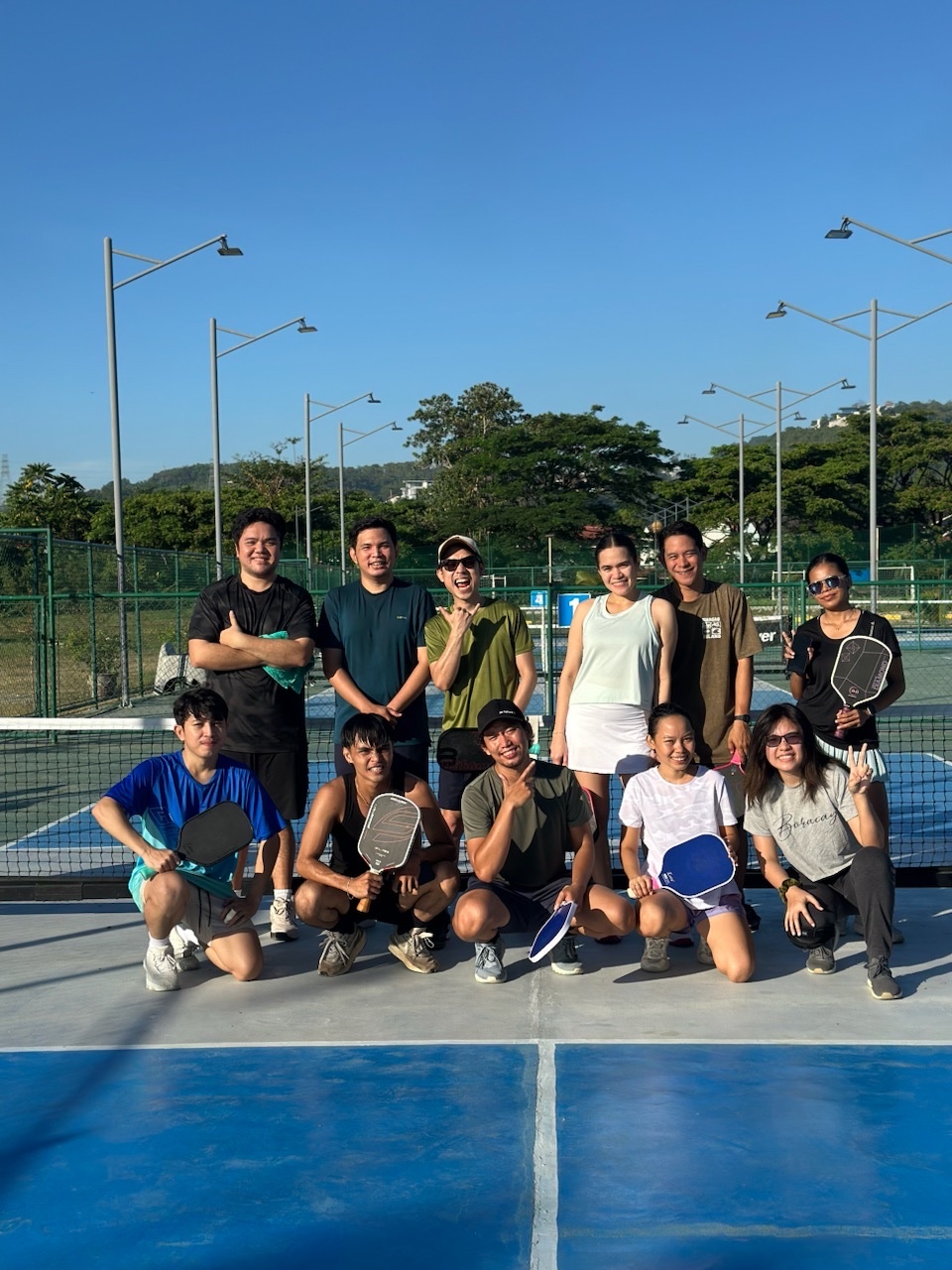
If you’ve ever run pickleball open play, you know the paddle-stack problem: who plays next, who has been waiting, who lost three in a row, who keeps getting stuck with the strongest player. Smart Auto Matching is Picklr’s answer — one tap and the app picks the next four players, balances the teams, and keeps the rotation fair.
How Smart Auto decides who plays next
The matchmaker walks five priorities in order:
- Fresh Players First. Anyone who hasn’t played a match yet jumps to the front. Newcomers don’t sit on the bench while regulars grind out games.
- Wait-Time Cap (20 min). If any queued player has been waiting longer than 20 minutes, the next match must include the four longest-waiting players. This is a hard guarantee — bracket alternation can’t override it.
- Winners Bracket. Once everyone has played, 4+ recent winners on deck get matched together for a competitive game.
- Losers Bracket. Same idea for recent losers — even matchups, no demolitions.
- Mixed / Open Rotation. When neither bracket has 4 ready, the matchmaker fills the gap with the next-in-queue.
The result: every player gets a turn, strong teams find each other for real games, beginners aren’t sacrificed against 4.0s, and the wait time chip on each row tells you exactly when someone’s been on deck too long.
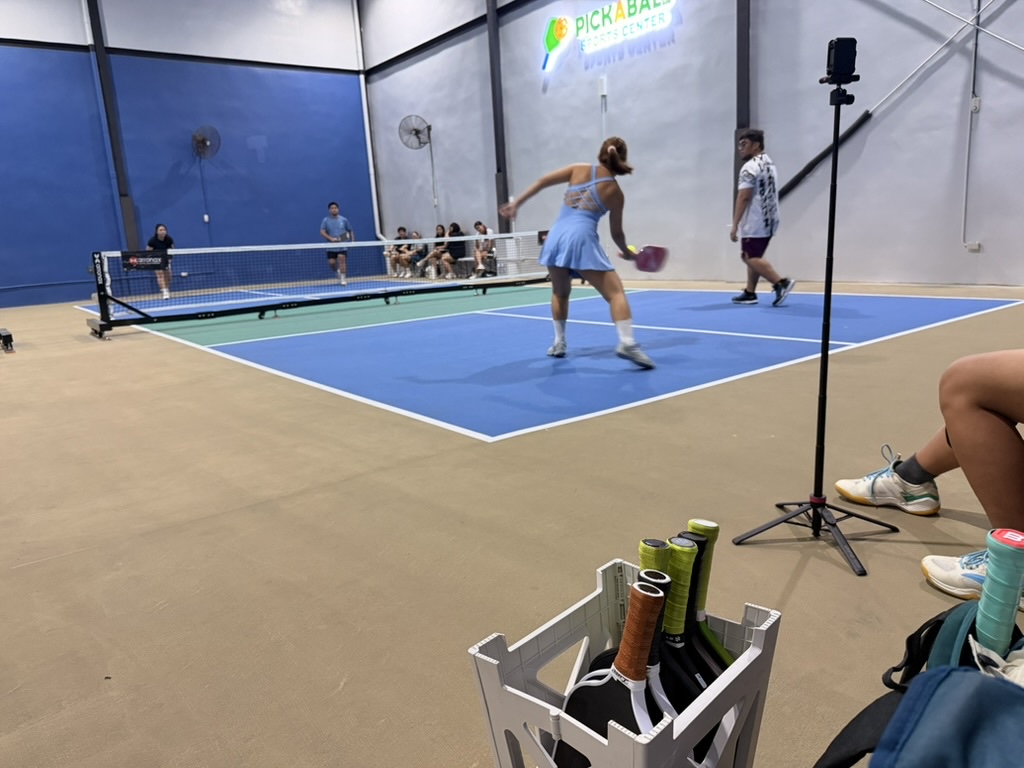
Why bracket rotation matters
Open play breaks when one of two things happens:
- A strong team wins six in a row and dominates the court for an hour.
- The same three “lower-skilled” players keep ending up against advanced opponents and stop having fun.
Smart Auto fixes this by alternating winners and losers brackets after the first round of games. A team that just won faces other recent winners next. A team that just lost gets matched with players closer to their level. After a few cycles, the queue self-organizes into “who’s playing well right now” without anyone manually adjusting it.
Locked partners stay locked
If two players want to keep playing together — a couple, a doubles partnership, a parent-and-child — tap Set Partner in the queue and Smart Auto will always place them on the same team. The bracket logic still runs around them; partners just override the team-balancing step.
When to use Smart Auto
This is the default mode and the right call for 70% of pickleball open-play sessions:
- 2-8 courts running in parallel
- Mixed skill levels in the room
- Players arriving and leaving throughout the session
- You want minimum admin work
Switch modes if you need something else:
- Skill levels are wildly different (3.0s and 4.5s in the same room) → Skill Split
- You want a “king of the court” format → Challenger’s Court
- You want every team to play every other team → Round Robin
- You want strict order, no bracketing → First Come First Out
Try it now
Open Picklr → Start Session → Smart Auto is selected by default. Add your players, start matches, and the matchmaker takes over. You can change the mode mid-session — your stats and queue carry over.
Related features
Matching mode
Skill-Based Pickleball Matchmaking (Skill Split)
Three independent queues (Beginner / Intermediate / Advanced) with full bracket logic inside each tier.
Matching mode
Challenger's Court (King of the Court) for Pickleball
Winners stay on court; losers rotate to the back of the queue. Picklr handles the throne automatically.
Matching mode
Round Robin Pickleball Tournament App
Fixed partners + every team plays every other team. The classic round-robin format, automated.